

You can send a message on WhatsApp without saving the contact you are sending it to. To do this, simply enter a specific link in your web browser. You can also write a contactless WhatsApp message with a additional application or the Android text selection menu.
Quick Guide: Send a WhatsApp Message Without Contact
- Enter the following link in your web browser, replacing the recipient number field with the number in question:
https://wa.me/numérodudestinataire. - Start by entering the country code of the recipient's number by removing zeros, spaces and special characters (
wa.me/33612312345) - You can now use WhatsApp without having to save the contact you are sending a message to.
When is it useful to send a WhatsApp message without saving the contact?
To send messages, images or videos, you must normally save the recipient as a contact. However, in certain circumstances, you may want to send a message on WhatsApp without first saving the contact in your address book. This is for example the case when you already know that mutual exchange will be of limited duration. In the case of a one-off interaction, a professional conversation, contact with customer service or a brief exchange, it is not no need to add the contact to your directory. You have several options for sending a contactless WhatsApp.
Advice
With IONOS HiDrive cloud storage you save all your WhatsApp messages, photos and videos and manage them online. Thanks to the different pricing models, there is an option suited to your needs.
Send WhatsApp message without saving contact via link
The simplest and most convenient option is offered by the platform itself. You can use WhatsApp contactless by sending the message via web browser. This not only works if you use WhatsApp for PC or WhatsApp for Mac, but also with your smartphone. To do this, however, you do not use the app as usual, but a link. We explain how it works step by step.
Step 1: first open the browser of your smartphone.
Step 2: enter it linkstructured in this way: https://wa.me/numérodudestinataire. Enter the recipient's number without zeros, spaces or special characters, but with the country code. If the number is French, for example +(33) 6 12 31 23 45you need to remove the “+” sign and spaces to get the following link: https://wa.me/33612312345.
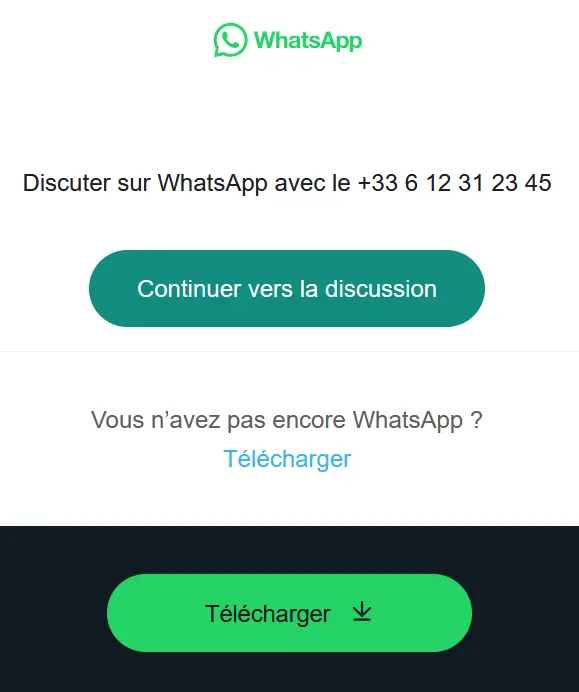
Step 3: the app then opens and takes you to the chat with the number you entered. This only works if you have WhatsApp installed on your smartphone.
Send WhatsApp message without saving contact with additional app
You can also send a WhatsApp message without saving the contact by installing an additional application. Certain applications (e.g. Click to Chat, Direct Message for WhatsApp, Easy Message) have proven themselves for this purpose. They are available for free in the Google Play Store or App Store. We explain the step-by-step procedure to Click to Chat :
Step 1: Start by downloading the app and install it.
Step 2: open the application and enter the “ Area code » the country code, without special characters.
Step 3: then type the rest of the number in the corresponding field. Here too, avoid special characters and spaces. If we follow the example above, the entry would be 12312345.
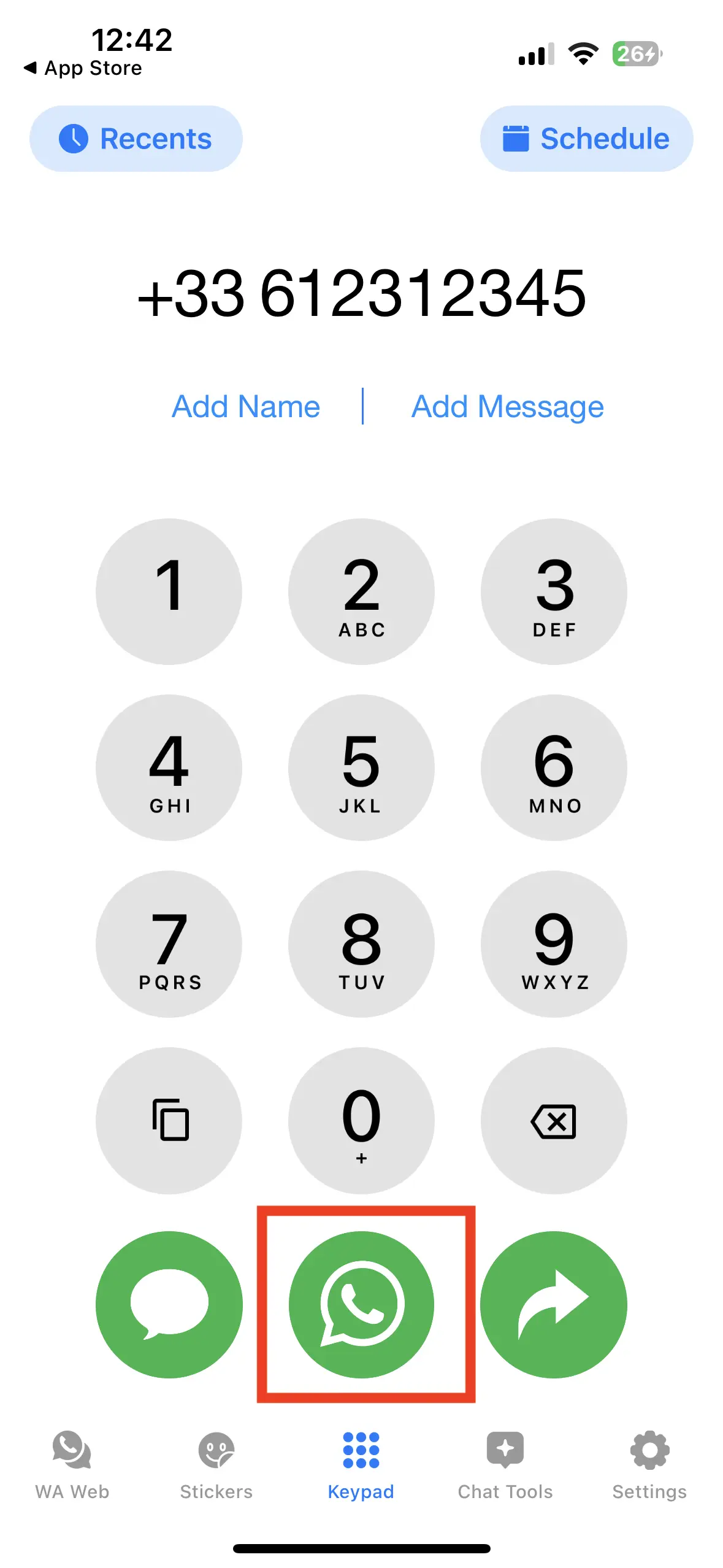
Step 4: click on the WhatsApp icon to open a chat with this number. You can there enter a message and send it to the desired number.
If you use a phone Androidyou have yet another option to use WhatsApp without having to save the number. Some smartphones allow you to send messages via the text selection menu. It works as follows:
Step 1: you need the number who you want to write to.
Step 2: copy the entire number.
Step 3: a menu opens. Press the three points to view more options.
Step 4: you will see the whatsapp logo (a white telephone handset in a green bubble) and the option “ Message » ; press it.
Step 5: the chat window opens and you can start exchange messages with this number. You can now send a WhatsApp message without saving the contact!
Professional email address
Discover a new way to process your emails
- Email address in your name
- AI features to write perfect emails (optional)
- Secure messaging with spam protection


