

If you want to use WhatsApp without a SIM card, there are two options. Using a landline number is only possible with the app WhatsApp Business ; the classic version of WhatsApp does not support it. Alternatively, you can link your existing WhatsApp account on a second device to use the platform without a SIM card.
Quick guide: use WhatsApp Business without a phone number via a landline
- Install WhatsApp Business on the device of your choice (smartphone or tablet).
- Enter a landline number for the verification step.
- When the SMS verification fails (which is normal for a landline), click “No verification code received?” ”, then select the voice call option to receive a six-digit confirmation code.
- Enter the confirmation code received by phone; you can now use the app!
Domain name
Your domain in one click
- 1 Wildcard SSL certificate per contract
- Included Domain Connect feature for simplified DNS setup
Use WhatsApp Business without phone number step by step
The WhatsApp Business application is widely used by businesses to optimize communication with their customers. The app is perfectly suited for marketing strategies for WhatsApp, as it offers features such as auto-replies, product catalogs and business profile creation.
To use WhatsApp Business without a mobile number, you only need one valid and active landline. In addition, your cell phone must be connected to the Internet. Since you are not connected to the mobile network, you can simply connect to a Wifi network. Unfortunately, not all devices allow the use of WhatsApp without a SIM card. Android devices require version 2.3.7 And iOS 9 must be installed on Apple smartphones.
For this option, have the application verified via your landline phone. Here's how to do it, step by step.
- Connect your smartphone to the Internet.
- Download and install WhatsApp Business on your device.
- Launch WhatsApp Business and accept the general conditions of use.
- Enter your landline number to verification. Just make sure you don't enter a number you've used before to install WhatsApp. The same number can only be used once to activate WhatsApp.
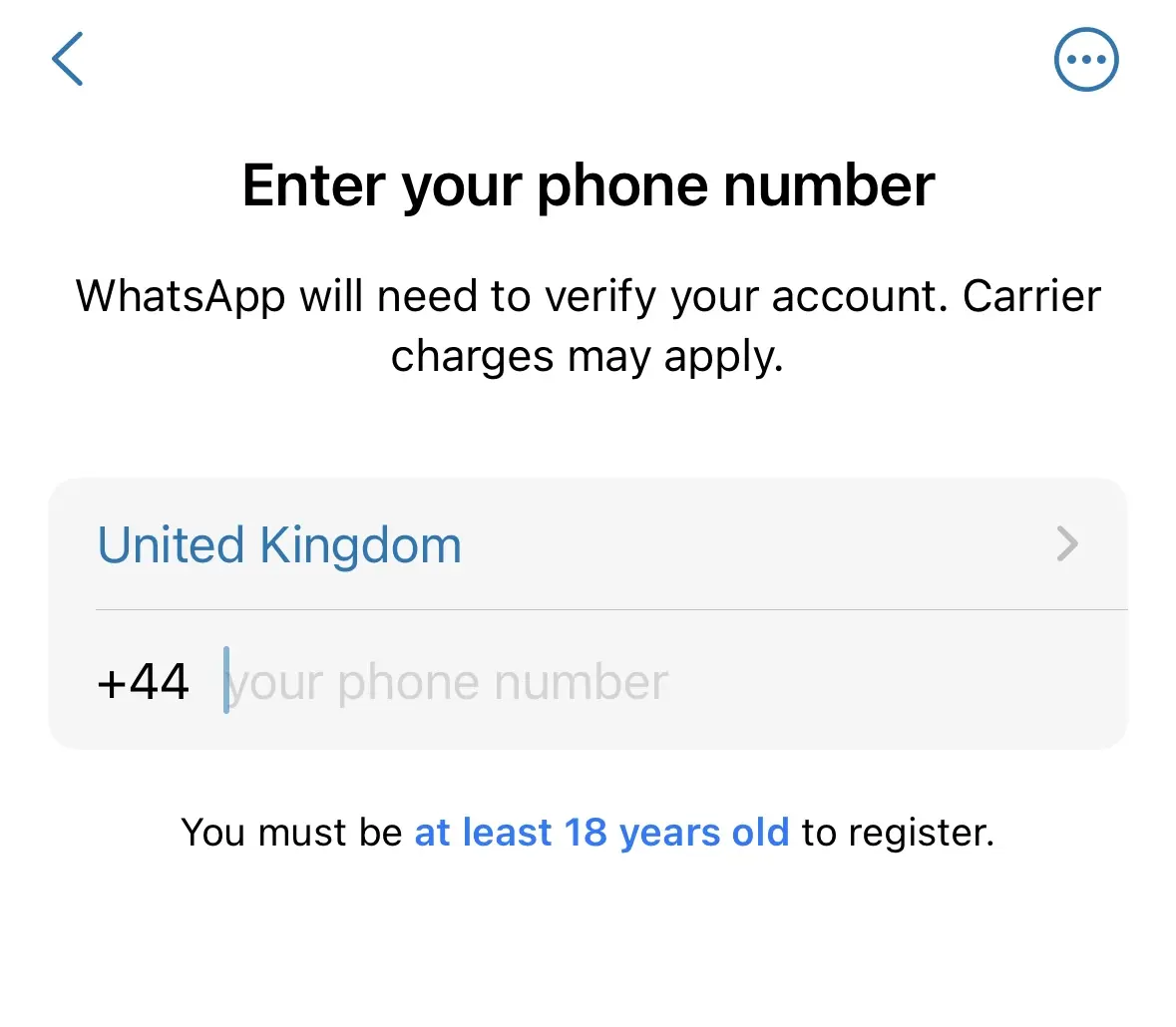
- Confirm your request.
- WhatsApp will then try to send you a Confirmation SMS. As this option is not available with a landline number, click on the “ No verification code received? « .
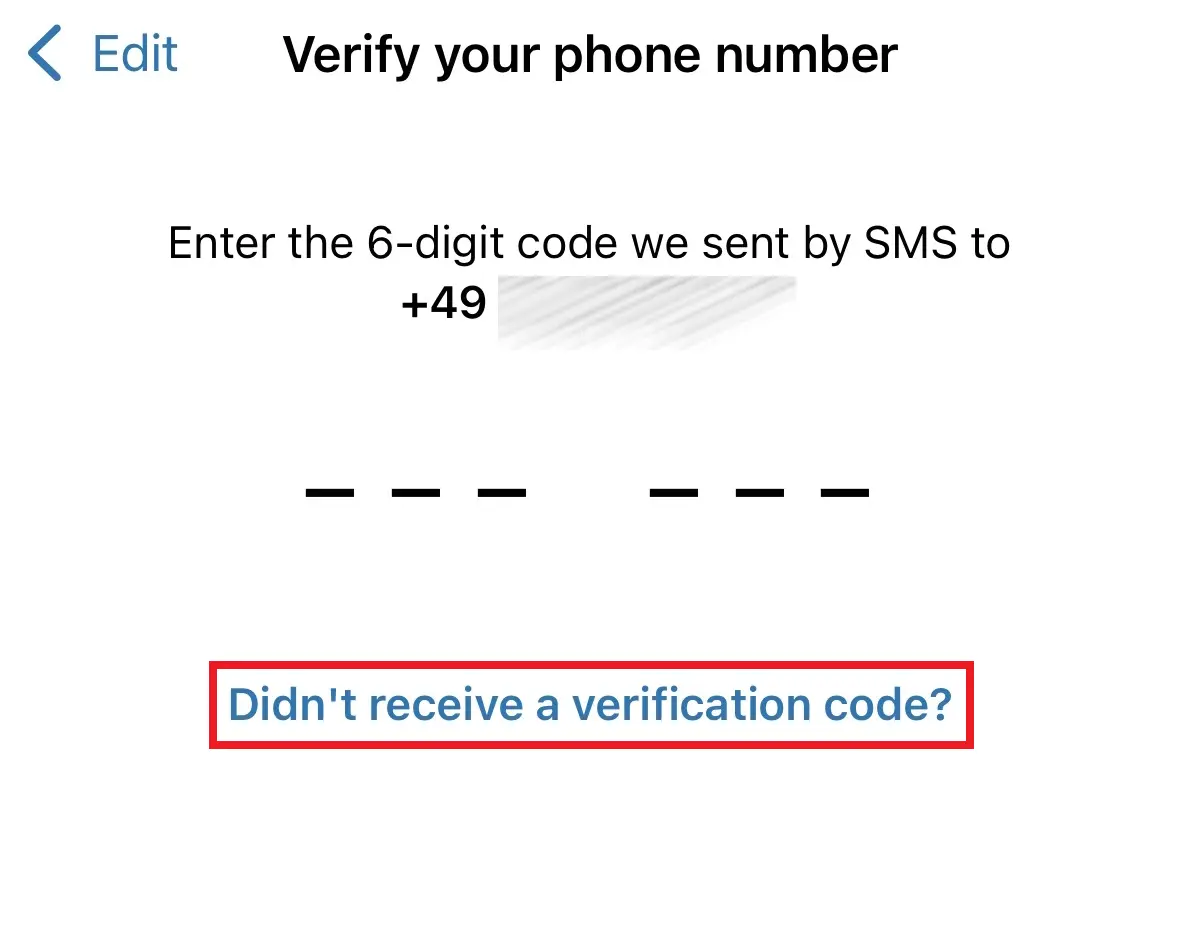
- Click the option tovoice call then click “Next”. You will quickly receive a robocall containing a six-digit confirmation code. Enter this code to complete your registration.

You can now use WhatsApp Business without a phone number. To save new contacts, you will need to manually add your contacts.
Advice
Save your WhatsApp data such as contacts, images, videos, or chat histories easily within your IONOS HiDrive Cloud storage solution. Manage your HiDrive Cloud with ease and benefit from fast and secure storage, editing and sharing of your data.
Use WhatsApp via “Connected Devices”
Although it is not possible to register with a landline number in the standard version of WhatsApp, there is still a solution for users who do not use WhatsApp Business. Those who have already registered WhatsApp with a mobile number can continue to use the application, even if the SIM card is removed. The only requirement is to have an existing Internet connection on the device.
Another option for using WhatsApp without a SIM card is to link the app to another account on an existing smartphone, e.g. a second mobile device. Here's how to do it:
- If you want to set up WhatsApp without a phone number on a tablet or second phone, open WhatsApp Web.
- If it's the mobile page that appears, simply activate the computer version from the options. This will avoid redirects to the mobile application.
- Afterwards, launch WhatsApp on your main device.
- Click on the application settings and select “ Connected devices »
- Select “ Add a device ”, then scan it QR code using your second device. WhatsApp can now be used without a phone number from your second phone. However, this option does not work only on a browser. Anyway, you also have the option of installing WhatsApp on a computer or Mac.

When is it useful to use WhatsApp without a SIM card?
If you do not wish to share your current contact data or you need multiple accounts on different devicesit may be a good idea to use WhatsApp without a phone number. This is also useful if you want to use the messaging app on an old device that doesn't have a SIM card slot. This procedure is also particularly useful if your cell phone was stolen. While waiting to receive a new SIM card, you can at least access WhatsApp.


