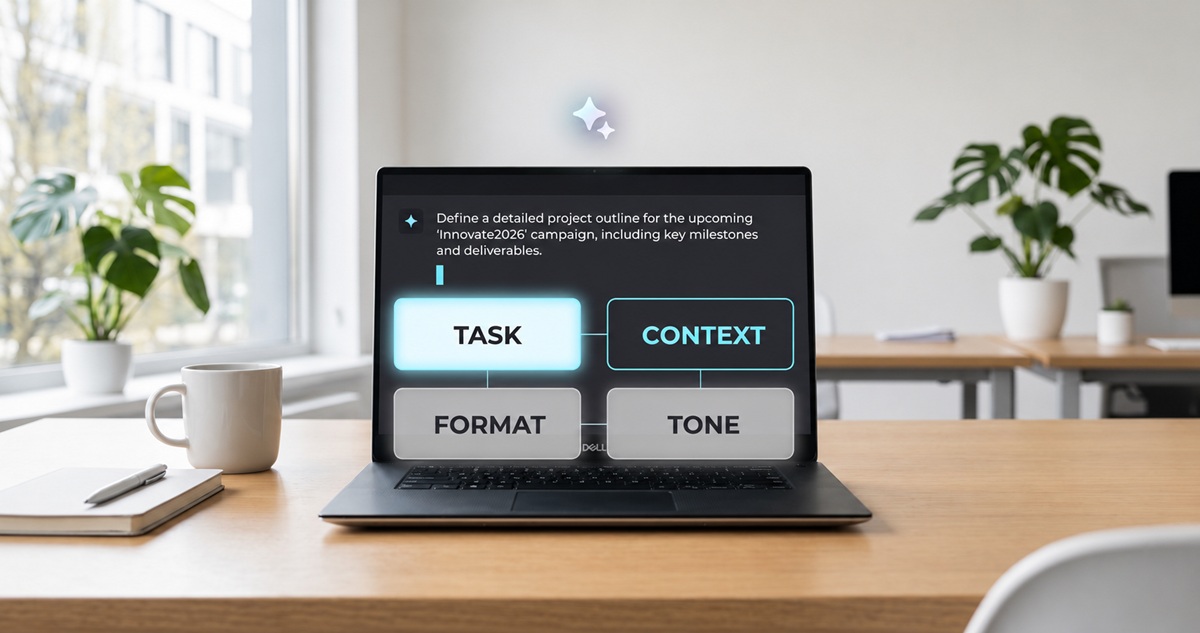
Integrating artificial intelligence into WordPress is an effective way to optimize and automate websites. In WordPress, AI can be used in various areas, such as content creation, search engine optimization, and user experience (UX) improvement.
Hosting for Managed WordPress
Create your site with AI, we handle the rest
- Easy-to-use AI features no matter your skill level
- Numerous themes and plugins for complete customization
- Effortless updating and less administration
For what purpose can AI be used in WordPress?
In WordPress, Artificial Intelligence (AI) can help you accomplish your tasks and make your work easier, or ensure that your web presence is optimized in different areas. We have summarized the main areas of application in the following paragraphs.
Content Creation
One of the most obvious and well-known areas of application for AI is, from ChatGPT, automated content creation. Using Large Language Models (LLMs), it is possible to generate texts on almost every subjectwhich you can of course also use for your website. This use of AI in WordPress not only saves time, but also ensures the continuous publication of quality content. Platforms such as Jasper AI Or OpenAI offer such solutions and easily integrate into WordPress.
Search Engine Optimization (SEO)
AI tools for WordPress can also be used to improve or automate SEO. For example, AI can identify which keywords are missing in an article, which content ranks best, or whether meta descriptions need to be optimized. Tools like Rank Math Or Yoast SEO are already using AI to make SEO suggestions, analyze website speed and identify possible weak points.
Improved user experience (UX)
A welcoming user experience is essential for the success of a website. In WordPress, artificial intelligence can help with this by analyzing visitor behavior and serving personalized content recommendations based on this data.
For chatbots and customer service
WordPress online stores, in particular, need efficient and easy-to-reach customer service. AI-based chatbots like WPBot Or Tidio offer the ability to respond to customer requests in real time. They are able to answer standard questions, prioritize requests, and thereby reduce interactions requiring human assistance.
Security
Security issues should never be overlooked when operating a website. AI-based plugins such as Wordfence can help in this area: Wordfence uses advanced techniques to detect and block threats before they cause significant damage, including AI-based tools. Through the use of Machine Learningyour website is constantly monitored for anomalies and potential security breaches.
Web design
A stylishly designed web presence makes people want to take an interest in it. Again, AI in WordPress can help by using themes and page editors that leverage AI. These help optimize layouts, color palettes or image selection. THE Divi AI Builder allows for example to automatically generate a layout based on the content entered.
Website localization
With a WordPress multisite installation and the appropriate plugin, you can set up multilingual websites in just a few steps. AI can also help localize your website by translating content in an engaging way and tailoring data to local specifics.
AI tools
Harness the full power of artificial intelligence
- Create your website in record time
- Boost your business with AI marketing
- Save time and get better results
Why is WordPress so well suited to using AI?
Thanks to its modular structure, integrating AI into WordPress is very simple. The popular content management system offers an open API and a large selection of plugins and themes that make using AI in WordPress extremely easy. This allows developers or website operators to easily integrate AI solutions without having to completely rebuild the system.
Another reason why WordPress is particularly suitable for using artificial intelligence is its large community. The CMS is constantly improved with regular updates and new features, making it ideal for modern technologies like AI.
The integration of AI into WordPress is done in most cases via plugins or API. To integrate them into your website, several options are available to you:
- AI Plugins : Many of the functions mentioned above can be added using specialized WordPress plugins. Typically, you just need to install these extensions and then configure them according to your needs and wishes.
- Third-party services : External artificial intelligence services such as OpenAI or Google Cloud AI offer APIs that can be integrated with WordPress. These APIs allow you to create tailor-made AI functions.
- Custom code : For users with technical knowledge, it is also possible to develop their own AI solutions and integrate them directly into the WordPress environment.
Advantages and Disadvantages of AI in WordPress
There are both pros and cons to using AI in WordPress, which we detail below.
Benefits
- Automation : Artificial intelligence reduces the manual work of creating and optimizing content.
- Personalization : Thanks to AI, websites can be individually adapted to user needs and preferences, generating a better user experience.
- Efficiency : Processes such as SEO, customer support and security monitoring are accelerated and improved using artificial intelligence.
- Reduction of errors : AI can identify potential weak points before they lead to serious problems. In this way, errors can be quickly identified and corrected.
Disadvantages
- Cost : Many AI tools and plugins are paid, which can increase the costs of running a WordPress website.
- Complexity : Adapting and integrating AI into WordPress in most cases requires some technical know-how.
- Data protection : AI tools collect and analyze user data, which may raise data protection concerns. Operators must ensure that data is used ethically, while complying with data protection laws, such as GDPR.
Note
When using AI in WordPress, it is important to keep ethical implications in mind. Website operators must ensure that the AI tools used operate transparently and comply with applicable data protection guidelines. Particularly in the area of personalization and data analysis, Internet users should always be informed about what data is collected and how it is used.
Application examples: using AI in WordPress
Example 1: Optimizing Content in WordPress with AI
A travel blog implemented a WordPress AI tool that automatically creates personalized suggestions based on travel destinations. To do this, artificial intelligence analyzes current travel trends, matches them with users' stated interests and generates itinerary suggestions.
Example 2: Customer service automation
A WordPress online store that sends self-made clothing to its customers has integrated an AI chatbot that receives and responds to questions about orders and shipping status 24 hours a day. This significantly relieved the company's small team and reduced response time to requests, thus leading to greater customer satisfaction.
Example 3: AI-assisted image optimization
A photography blog uses AI-based image optimization software that automatically compresses and optimizes uploaded photos to ensure fast loading time. The AI also automatically adds a text alternative to images, to make them easier for search engines to find. With these measures, the loading speed and ranking of the website are improved.
Example 4: AI-assisted SEO optimization
An e-commerce platform for electrical appliances uses artificial intelligence in WordPress to make all product descriptions and blog posts automatically optimized, as part of an SEO strategy. AI analyzes search engine rankings and suggests targeted keywords to increase product visibility.
Hosting for Managed WordPress
Create your site with AI, we handle the rest
- Easy-to-use AI features no matter your skill level
- Numerous themes and plugins for complete customization
- Effortless updating and less administration