

Fast and functional pages are not only a plus: certainly, they improve the user experience, but they also have an impact on ranking within search engines. To optimize the performance of your WordPress site, there are practical plugins and tools as well as simple tips to implement.
How fast is my website?
Before optimizing your WordPress site, you should already know what its current performance level is. The following tools will help you analyze the loading time and technical performance of your website.
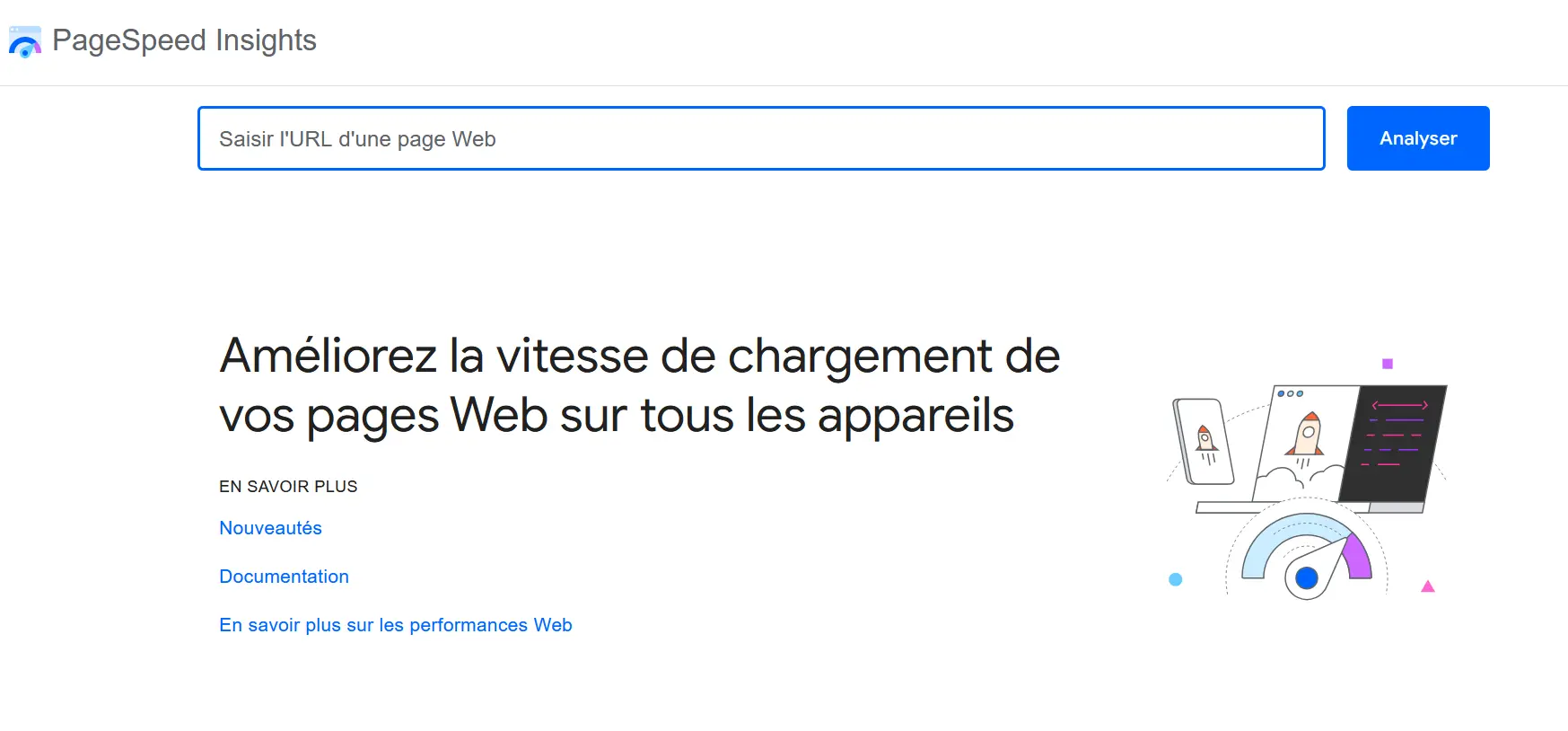
Google PageSpeed Insights
The Google PageSpeed Insights tool analyzes the mobile and desktop versions of your website and offers concrete suggestions for improvement. The report includes values related to user experience and technical performance, and evaluates the results in three categories: « Good », « Improvements required », « Poor ».
Advantage : direct recommendations from Google
Inconvenience : no absolute loading time
GTmetrix
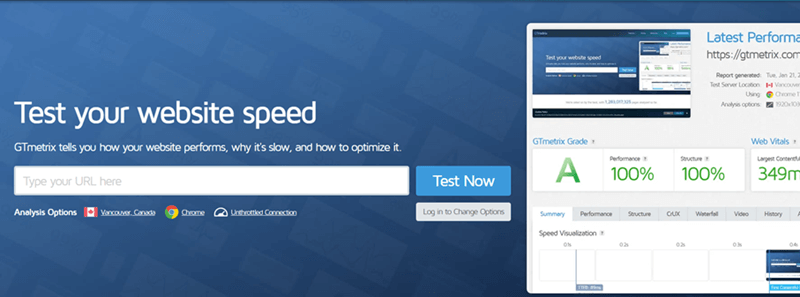
GTmetrix offers a technical analysis with prioritization of problem sources. This tool is therefore ideal for quickly identifying bottlenecks and remedying them in a targeted manner.
Advantage : very clear, also suitable for beginners
Inconvenience : Less in-depth metrics than other tools, like WebPageTest
WebPageTest
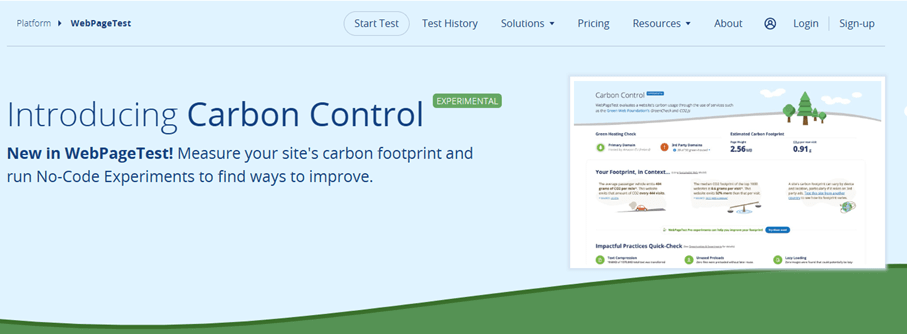
WebPageTest is a professional tool with in-depth analysis for First Contentful Paint (FCP), Time to Interactive (TTI) and more.
Advantage : very detailed
Inconvenience : more complex user interface
Pingdom Website Speed Test
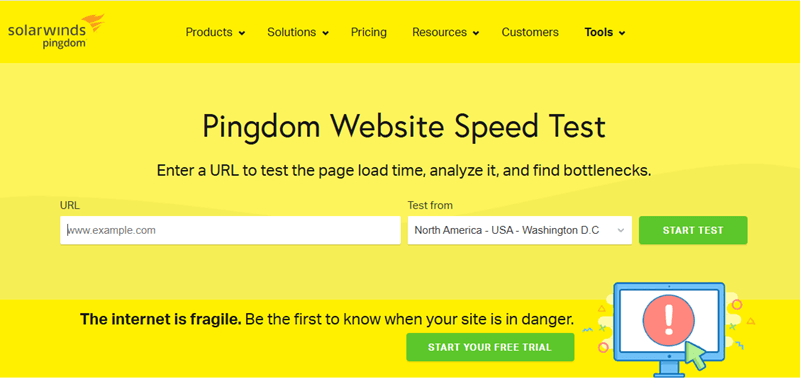
Easy to use for beginners, with easily understandable visual indications, Pingdom shows you information about your website, including loading time, page size, and number of HTTP requests.
Advantage : quick results, ease of use
Inconvenience : little technical depth
IONOS Website Analytics
The IONOS Website Analytics tool allows you to analyze things like speed, search engine friendliness, and security of your site for free.
Advantage : easy to use and provides concrete recommendations. Ideal for IONOS customers.
Advice
Mobile optimization is essential because Google also evaluates your website based on its mobile version (indexing Mobile First).
5 Tips for Optimizing WordPress Performance
Tip 1: Optimize and Compress Images
Large image files are one of the biggest drags on performance. Use WordPress tools and plugins such as:
- TinyPNG : online tool for lossless compression of PNG and JPG files.
- Smush : automatically optimizes images when they are downloaded
- EWWW Image Optimizer : offers additional options such as WebP conversion.
- a3 Lazy Load : delays loading images until scrolling; ideal for pages with lots of images.

Tip 2: Minimize CSS and JavaScript Files
Unnecessary code slows down page loading. To avoid this, use the following WordPress performance plugins:
- CSS Minifier : reduces CSS files to the bare minimum.
- JavaScript Minifier : Reduces the size of JavaScript files for faster loading.
- Asset CleanUp : disables unnecessary scripts on pages that don't need them.
Tip 3: Use caching
WordPress caching plugins store pages statically and significantly reduce loading time. Here are some popular options for WordPress performance optimization :
- LiteSpeed Cache : complete solution including CDN integration and image optimization.
- W3 Total Cache : many configuration options, suitable for experienced users.
- WP Super Cache : simple and stable caching plugin for beginners.
Tip 4: Clean the database
Over time, many unnecessary and large items accumulate in the database: revisions, spam comments, deleted posts… Fortunately, there are cleaning tools to sort through them, including:
Tip 5: Avoid unnecessary plugins
Too many plugins slow down your site. The following tools will allow you to identify the plugins that are slowing down your Web project:
- Query Monitor : displays database queries, PHP errors and plugin impact in real time.
- Plugin Organizer : allows you to activate/deactivate plugins in a targeted manner depending on the page.
Advanced WordPress Optimization
Hosting & technical
Good WordPress hosting is the basis of performance and above all means fast, secure and stable server technologyspecially adapted to the requirements of WordPress. Here are the essential criteria to take into account when making your choice:
- Current PHP version (at least PHP 8.1)
- HTTP/2 or HTTP/3
- SSD & caching support
- Server location close to the target group
The WordPress hosting offered by IONOS, for example, has an integrated online store based on WordPress.
WordPress Hosting
WordPress, easier and faster thanks to AI
- AI-assisted creation and personalization of your site
- 3x faster: SSD, caching and more
- Daily security scans, DDoS protection and 99.98% uptime
Use a CDN
A Content Delivery Network (CDN) distributes content worldwide and significantly reduces loading times. Cloudflare is a free CDN offering performance and security features.
Use the Block Editor instead of the Page Builder
The WordPress Gutenberg block editor has been the default editor since WordPress 5 and is a modern, native solution for content design.
Compared to classic page builders like Elementor or WPBakery, this block editor has some advantages:
| Block Editor (Gutenberg) | Classic Page Builder |
|---|---|
| ✓ Fast & lightweight code | ✗ HTML code often overloaded |
| ✓ Implemented directly in WordPress core | ✗ Additional dependency on plugins |
| ✓ Better performance & SEO | ✗ Longer loading time |
| ✓ Better compatibility with modern themes | ✗ Often use their own layout engine |
| ✓ No locking effect | ✗ Uninstallation often leads to chaos |
For a durable, high-performance, future-proof website, the block editor is generally a better choice, especially if you want to optimize your WordPress site.
Optimizing your WordPress performance pays off in many ways: faster loading times, better rankings, happier users. Most of the tools presented in this article can also be used without programming knowledge. Overall, a few measures are enough to obtain significant improvements: use targeted measures and bet on the right one WordPress performance plugin to achieve long-term results.
Advice
Didn't find the WordPress plugin that suited you in this article? Don't panic! Take a look at our other plugin-specific articles:


