

The method to recover a WhatsApp conversation on Android or iOS depends on how it disappeared: did you archive it or delete it? In both cases, solutions exist. On the other hand, if the conversation has been deleted, you will only be able to recover it if a backup had been created beforehand. You can also transfer your WhatsApp conversations from an old phone to a new one.
Guide for Android: Recover WhatsApp Conversations
It only takes a few steps for your archived messages on Android to reappear in your conversations list.
Step 1: When you open WhatsApp, all your conversations appear as a list. At the very top of it, the words “ Archived » is associated with the icon of a box with a downward arrow. Go to this section. Noticed : if you have not archived any WhatsApp conversations, this notice will not appear.

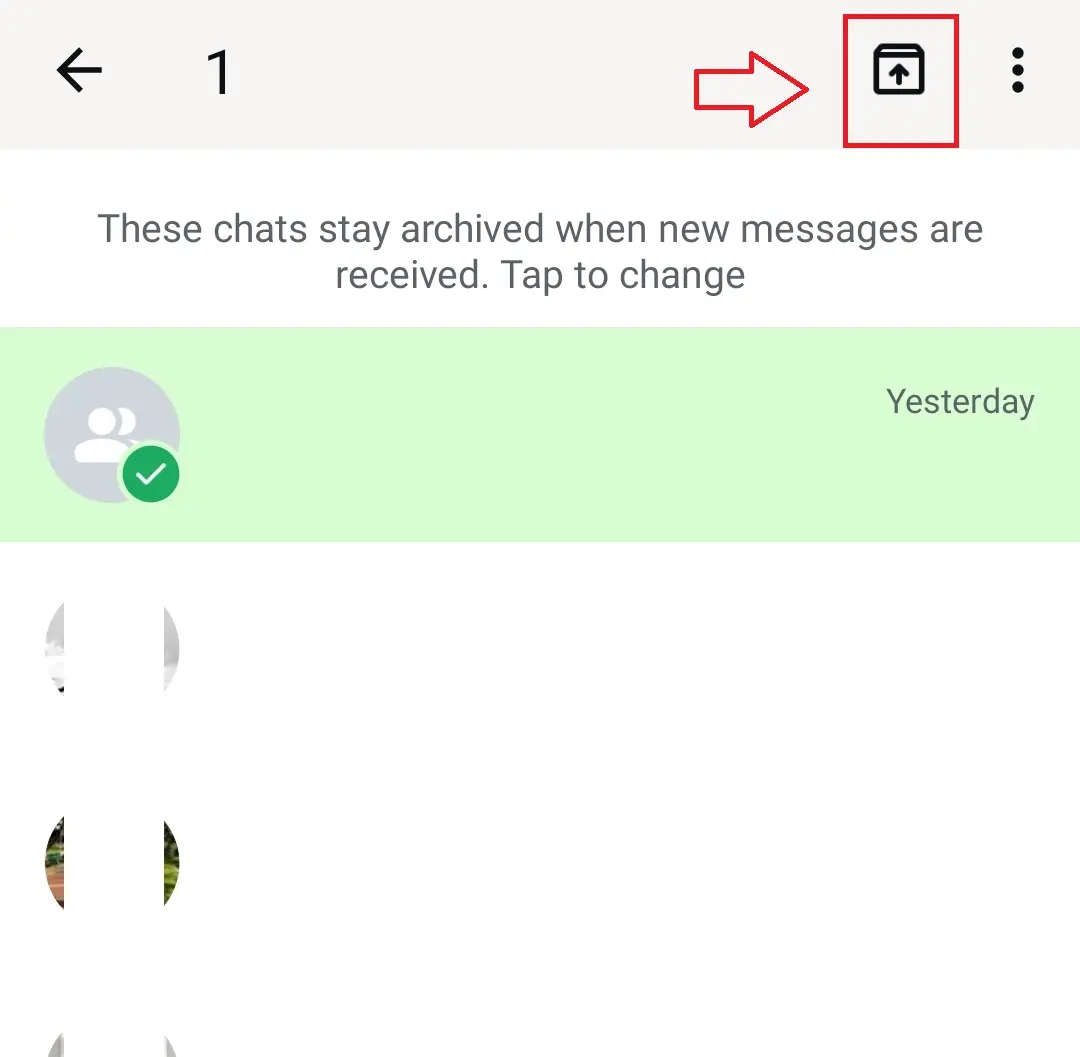
Step 2: You can now view the WhatsApp conversations you have archived. Long-press the conversation you want to recover: a check mark appears next to its icon, as well as a box with an up arrow. Select it again to recover your archived conversation.
Domain name
Your domain in one click
- 1 Wildcard SSL certificate per contract
- Included Domain Connect feature for simplified DNS setup
Was this article helpful to you?


