Free email services generally allow attachments of no more than 20 or 25 MB. To send large files for free, you can use cloud service providers or file hosts that use cloud storage or download links.
For security reasons, free email services limit the size of attached files. So, the maximum Gmail attachment size is 25 MB, while the maximum Outlook file size is 20 MB.
Advice
To send large attachments, one solution is to reduce the file size by creating a ZIP file.
In case of large or numerous files, it is recommended to use alternatives such as cloud providers and the file hosts. We present to you below the best suppliers with and without registration.
Send large files for free and without registration
HiDrive Share
HiDrive Share is IONOS' free solution for sending large files. You can download files up to 2 GB in size on the service's website, and this without registration. You then receive a download link that you can share for 7 days with an unlimited number of friends, acquaintances or colleagues by email or chat. Once this period has expired, the downloaded files are automatically and irrevocably deleted.

HiDrive Share
Simple and secure file sharing
- Files up to 2 GB
- Without registration
- 100% GDPR compliant
SwissTransfer
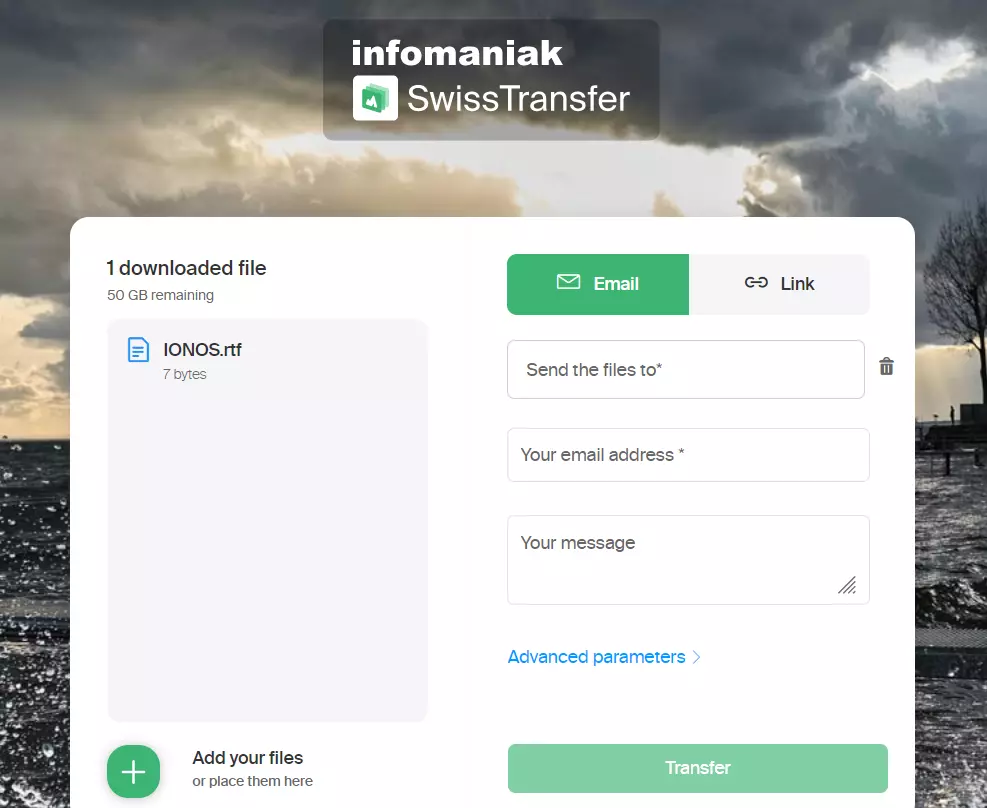
SwissTransfer is a free file host that you can use to store up to 50 GB of password-protected fileswithout account or registration. Your data is stored on servers installed in Switzerland and certified according to the country's standards. They are secure with end-to-end encryption and can be viewed for 30 days. By using the corresponding download link, you can therefore transfer large files, up to 2 GBwith the people of your choice.
WeTransfer
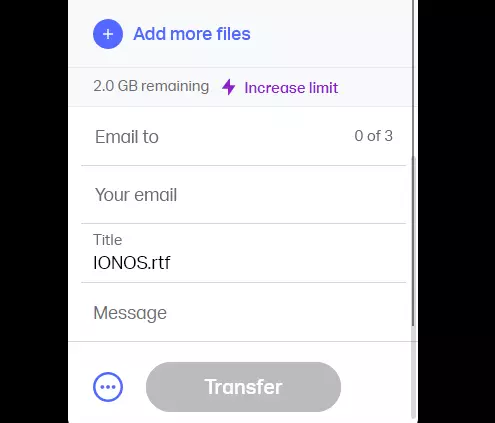
The file host WeTransfer only offers 2 GB of storage space free for sending large files. Downloaded files remain available for 7 days. You can use an access link to share them with other people. Simply enter the recipient's email address and yours to send them the corresponding download link.
TransferXL
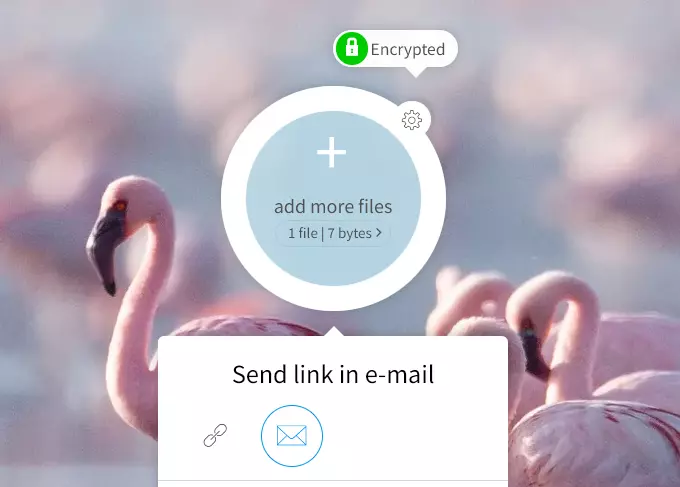
TransferXL, more generous, allows you every day to store 10 GB for free online, with end-to-end encryption and 5 GB limit regarding sending download links to other people. These downloaded files can be stored for a week.
Send large files for free with registration
Dropbox
You can share up to 2 GB large files on the servers offered by Dropbox. Simply copy the link to your files directly and send it to the relevant recipient. You can also send him a email invitation from your Dropbox account. You are also free to allow the link recipient to edit your documents or grant them read-only access. To use Dropbox, you need at least one free account.
OneDrive
OneDrive, Microsoft's cloud storage service, allows you to store up to 5 GB for free files on secure Microsoft servers. To send the largest files in your Cloud to other people, simply grant the corresponding read or modify permissions, copy the OneDrive link and send it by email to the recipients of your choice.
iCloud
Apple's cloud storage service offers you a online storage space of up to 5 GB to keep all kinds of files as long as you have a valid Apple-ID. You can send links to your iCloud files by email, which then allows other people to access them. You can also share folders with other users by changing the sharing options to allow them to edit them.
Google Drive
From your Google account, you can use for free Google Drive, Google's cloud storage service, which offers 15 GB of free storage space. Drop the files of your choice there, then specify who you want to share them with; you can authorize the people concerned to modify them, or only to read them. Simply copy the corresponding Google Drive link and send it by email to the recipient of your choice to allow them to access it. Furthermore, it is possible to send a large file in the form of a Google Drive link or an attachment by writing an email from your Gmail account.