

Containurization with Docker is today the norm; But this is not always the best solution! Tools like Podman or Buildkit offer solid alternatives with advantages in areas such as security, CI/CD or performance. Discover the best professional alternatives to Docker, their key characteristics and the uses for which they are most suitable.
Comparison table: overview of alternatives to Docker
| Functionality | Docker | Podman | Buildkit | Kaniko | LXC/LXD | runca |
|---|---|---|---|---|---|---|
| Virtualization | Bone level | Bone level | – (Construction tool) | – (Construction tool) | Bone level | Bone level |
| Application containers | ~ | |||||
| Complete system containers | ||||||
| Docker compatible | – | ~ | ~ | |||
| Rootless mode possible | ~ | ~ | ||||
| Suitable for CI/CD | ~ | |||||
| Ready for Kubernetes | ~ | ~ | ||||
| Container | Docker container | Docker container | Dockerfile | Layered FS | LXC | Oci |
| License | Apache 2.0 | Apache 2.0 | Apache 2.0 | Apache 2.0 | LGPLV2.1+/APACHE 2.0 | Apache 2.0 |
| Platforms | Linux, Windows, MacOS, AWS, Azure | Linux, Windows | Linux, Windows | Linux, Kubernetes | Linux | Linux |
Why look for alternatives to Docker?
Docker is a powerful tool, but is not necessarily the best choice in all situations. License changes, such as the marketing of Docker Desktop, directly affect many companies. At the same time, security issues arise, because Docker often requires root rights and operates with a central demon, which increases the potential attack surface.
Added to this is an important fact: Kubernetes, the most used container orchestration tool, no longer uses Docker as a default execution environment. He now calls on runtings like containers or cry-o. In many use cases, ranging from sensitive safety systems to automated CD/CD processes, specialized tools can therefore represent a more suitable solution.
Web accommodation
Flexible, efficient and safe web accommodation
- SSL certificate and DDOS protection
- Data backup and restoration
- Assistance 24/7 and personal advisor
Podman: Docker without demon
Podman is currently the most famous and direct alternative to Docker. What makes Podman particularly interesting is that it works without central demonwhich allows you to directly launch container processes Without root rights. This makes it possible to considerably improve security, especially in production environments.
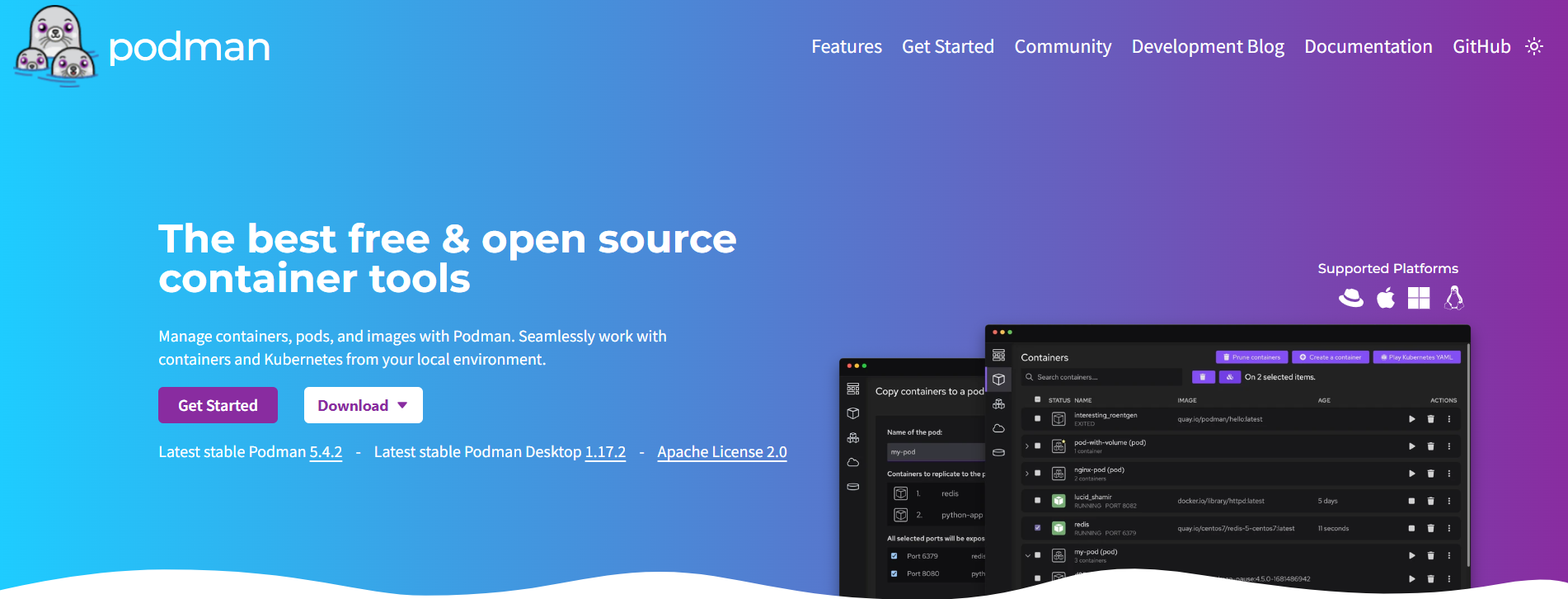
Another Podman advantage lies in its strong compatibility : If you have already worked with Docker, you will immediately feel comfortable with Podman, because the order structure is almost identical. Integration with Systemd and Kubernetes also works without problem.
One of the drawbacks of the tool is that graphic interfaces or Gui tools for Podman are not yet as successful as those for Docker Desktop. In addition, more complex multi-contact projects may require adjustments during a transition from Docker composed.
Conclusion : Podman is an excellent choice for developers and administrators looking for a secure alternative, focused on the command line and entirely compatible with Docker, particularly suitable for Linux in production.
Buildkit: the modern Docker manufacturer
Buildkit was designed by Docker developers as a modern replacement for conventional control docker build. He shines by increased speed,, an intelligent chatterAnd the possibility of managing build-secrets, an undeniable advantage in complex CI/CD pipelines.
Parallel builds are also possible, which makes Buildkit particularly effective. It can be activated within Docker or used independently. In combination with Docker or Podman, it allows a considerable performance gain when building images.
On the other hand, Buildkit Do not completely replace Dockerbecause it focuses only on the construction process. If you want to manage or deploy containers, you therefore need an additional tool.
Conclusion : BuildKit is aimed at DevOps teams and developers who wish to make fast and secure builds, especially in automated environments.
Kaniko: Building containers without docker
Kaniko is a Google tool specially designed for Build containers in Kubernete environmentswithout docker or root rights. It works entirely within a pod and can create images directly in the cloud, as in Github Actions or Google Cloud Build.
This makes Kaniko the ideal choice for automated CI/CD processes which do not require the installation of an additional execution environment. Kaniko has an obvious advantage in terms of security: as it works without root, it can be used with confidence in shared clusters environments.
However, Kaniko is not a tool to do everything. He is not not adapted to local development Or at interactive command line work: it lacks the usual features of access to the shell or flexible management of containers.
Conclusion : Kaniko is ideal for teams that work in cloud mode and wish to automate containerized construction processes, especially in the Kubernetes environment.
LXC / LXD: containerization at the system level
LXC (Linux containers) is a low -level technology for Virtualization of the operating system under Linuxwhich has existed for more than a decade. It allows you to start and manage complete Linux systems in containers, called system containers.
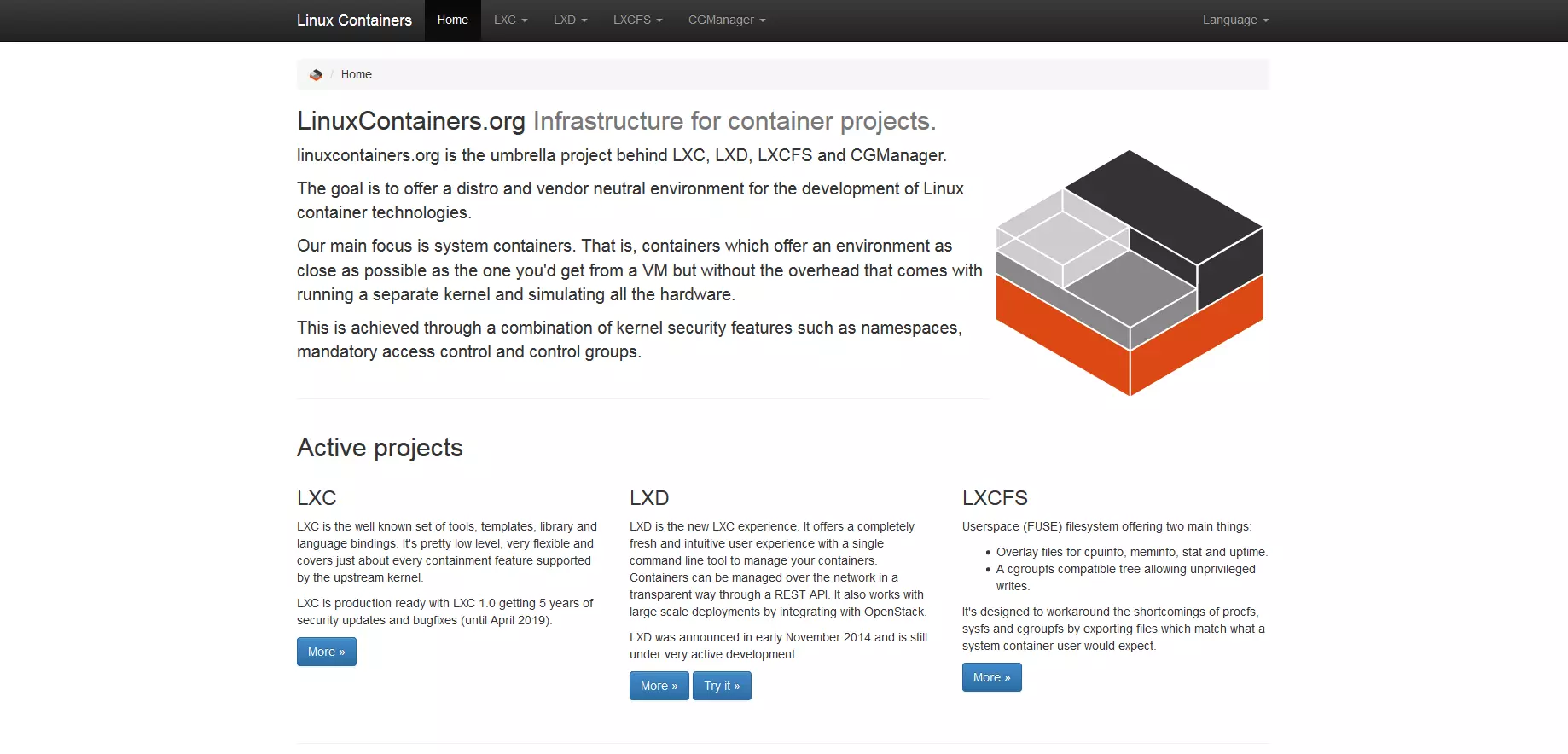
LXD was developed by Canonical in 2015 as a user-friendly management layer above LXC. It adds to LXC features such as dedicated CI, a REST API, images and snapshots management, thus mainly facilitating daily use in professional infrastructure.
LXC and LXD: again gathered
LXD was returned by Canonical to the LXC community in 2023 and has been since developed jointly with LXC under the aegis of Linux Containers Project. The objective of this merger is a more transparent maintenance, supported by the community, as well as narrower integration of its two components. LXC remains the technical base, while LXD continues to act as a friendly front.
The functional separation remains in place:
- LXC remains low level technology
- LXD remains the user -friendly management interface
Technical classification
Compared to Docker, LXC and LXD are much closer to conventional virtual machines. They offer complete system environments with INIT system, user management, packet management, etc. : Much more than the typical Docker or Podman applications. In the absence of a hypervisor, they remain light and efficient.
Limitations
In return, LXC/LXD are not designed for microservices, native cloud deployments or modern CD/CD processes. Their management is more complex and their integration into container ecosystems like Kubernetes is almost non -existent.
Conclusion : LXC and LXD are perfectly suitable for administrators, hosts or teams who wish to operate complete Linux systems in isolation, for example as a light VM alternative. By bringing them together within the Linux containers project, users benefit from a more stable and collaboratively managed future.
RUNC: container runtime for professionals
runca is the reference implementation of the specification Oci (Open Container Initiative) and is used by many tools in the background, such as Docker, Podman or Containerd. If you want to control the containers at the lowest level, you cannot miss Runc.
His great advantage is his lightness : RUNC offers only the strict necessary to start the containers, which gives it maximum flexibility. It is particularly suitable for personalized container solutions or security -oriented environments.
However, it is mainly intended for advanced users. There is no practical CLI for container management or construction processes. Those who work with Runc generally do so in the context of their own tool channels or for in -depth system integration.
Conclusion : RUNC is ideal for specialized applications, research, security or low -level container environments, but less for daily development.
Kubernetes: a layer above Docker rather than an alternative
We often think that Kubernetes can replace Dockerwhile this is not the case: he relies on containers' runtings. Docker was previously used as an execution environment, but Kubernetes uses standardized runtings in his place as container or CRI-O since version 1.20.
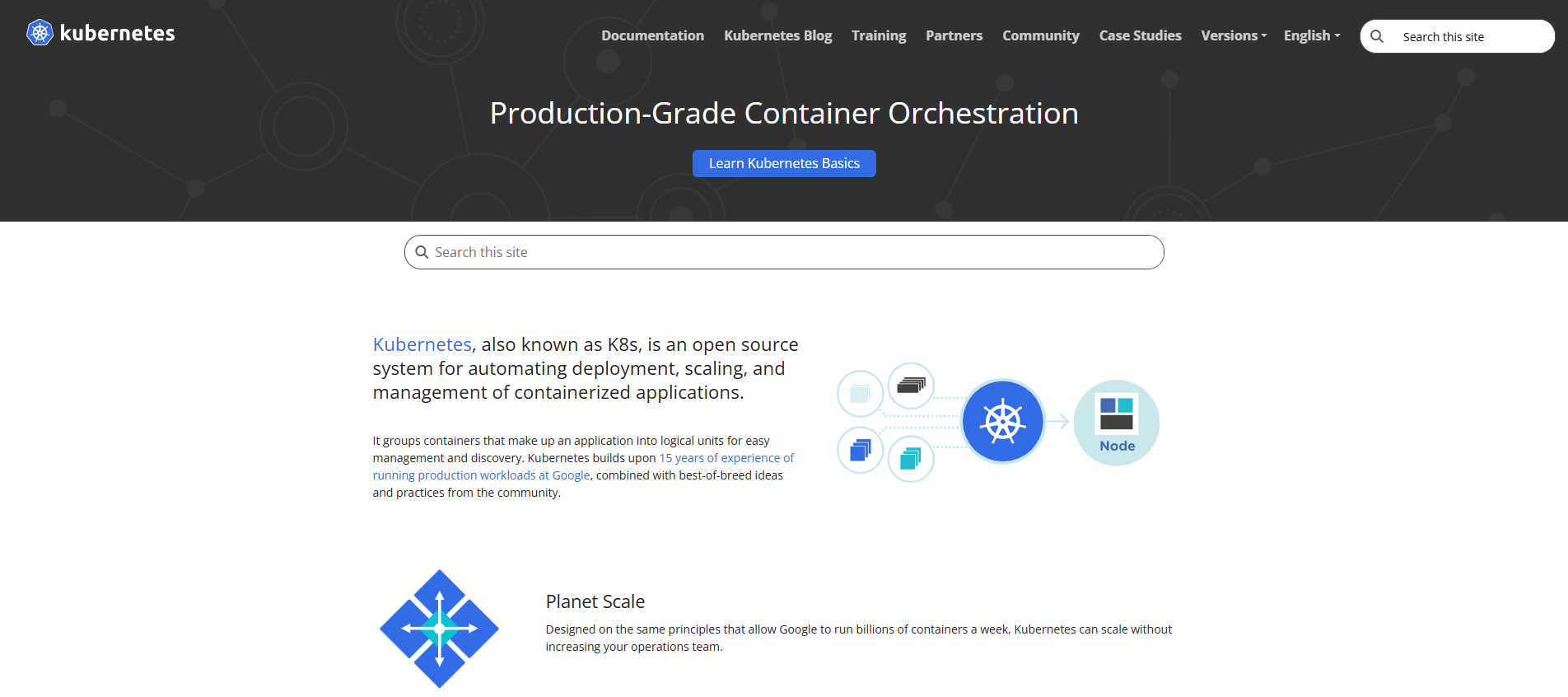
These tools support the start -up and management of containers, but do not have their own CLI or construction function like Docker. Kubernetes himself is therefore not an alternative to Docker, but an orchestration tool, that is to say a control layer above the containers proper.
On a daily basis, it means that that Docker is no longer the technical basis From Kubernetes, even if many images are still in docker format.
Dedicated servers
Performance and innovation
Take advantage of your own server, with dedicated hardware, cloud integration, minute invoicing and Intel® Xeon® or AMD processor.
Conclusion: What alternative to Docker is right for you?
The choice of good Alternative to Docker strongly depends on your goal:
If you are looking for maximum security, Podman is ideal. For fast builds, Buildkit is the right solution, while Kaniko is the first choice in the cloud. To isolate whole systems, it is better to use LXC/LXD. And for absolute control in terms of execution, runca There remains a light solution for professionals.
In any case, it is worth looking beyond Docker; The world of containers is more varied than ever.


